Converting a WordPress Site to Astro Using AI Design Tools
Walking through how I moved a live WordPress and Elementor site to Astro on Cloudflare, using Google Stitch, Claude Code and Nano Banana to compress what used to be weeks of design iteration into an afternoon.
I’m getting less and less enthused about WordPress. And honestly, it’s not really WordPress’s fault. It’s the plugins. Most plugin developers are probably barely keeping up, running side projects or stretched thin, and they can’t keep pace with the security issues that keep popping up. That’s only going to get worse.
So where I can, I’m moving clients off it. Not everyone. Some clients love WordPress, they’ve got a team that knows how it works, and they want to stay on it. Fair enough. But for the right client, I’m now building on Astro and hosting on Cloudflare Pages. And the tools that have come out in the last few months have completely changed how fast I can get a design in front of a client.
The client and the brief
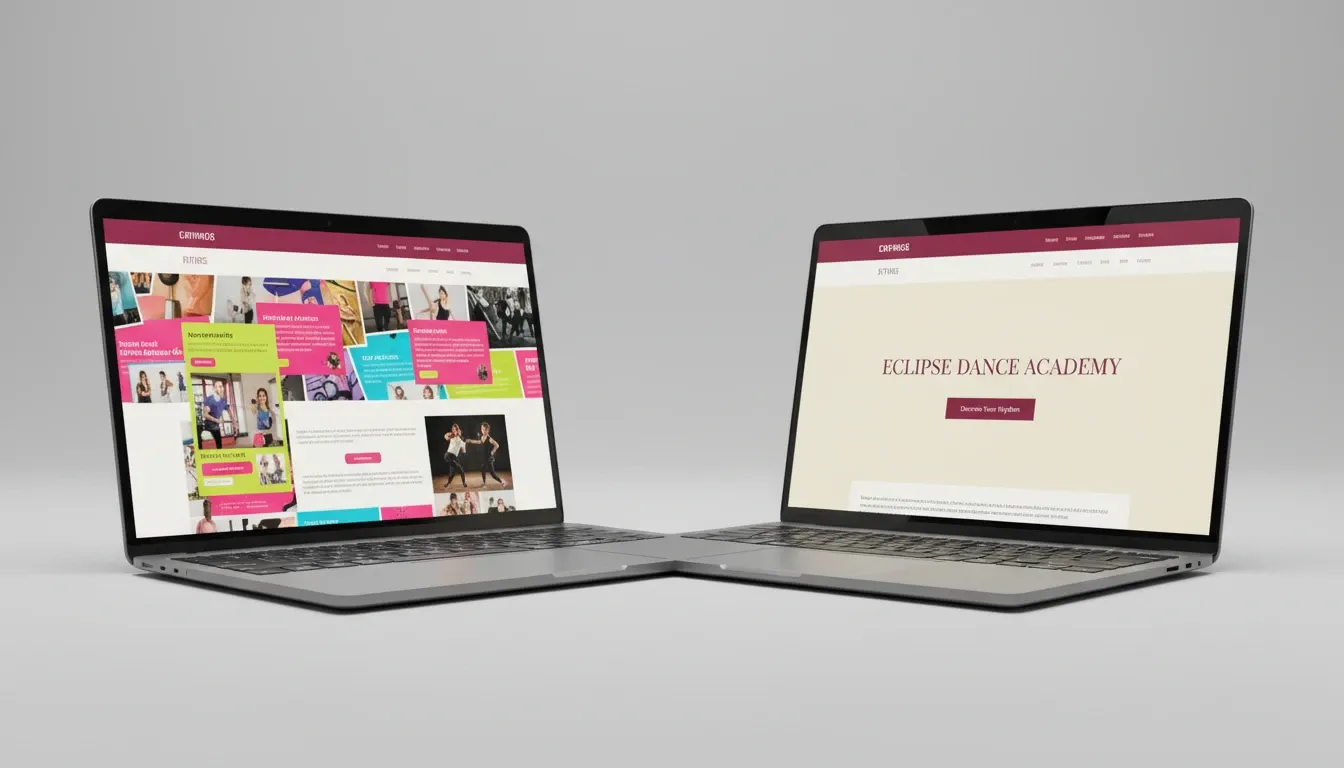
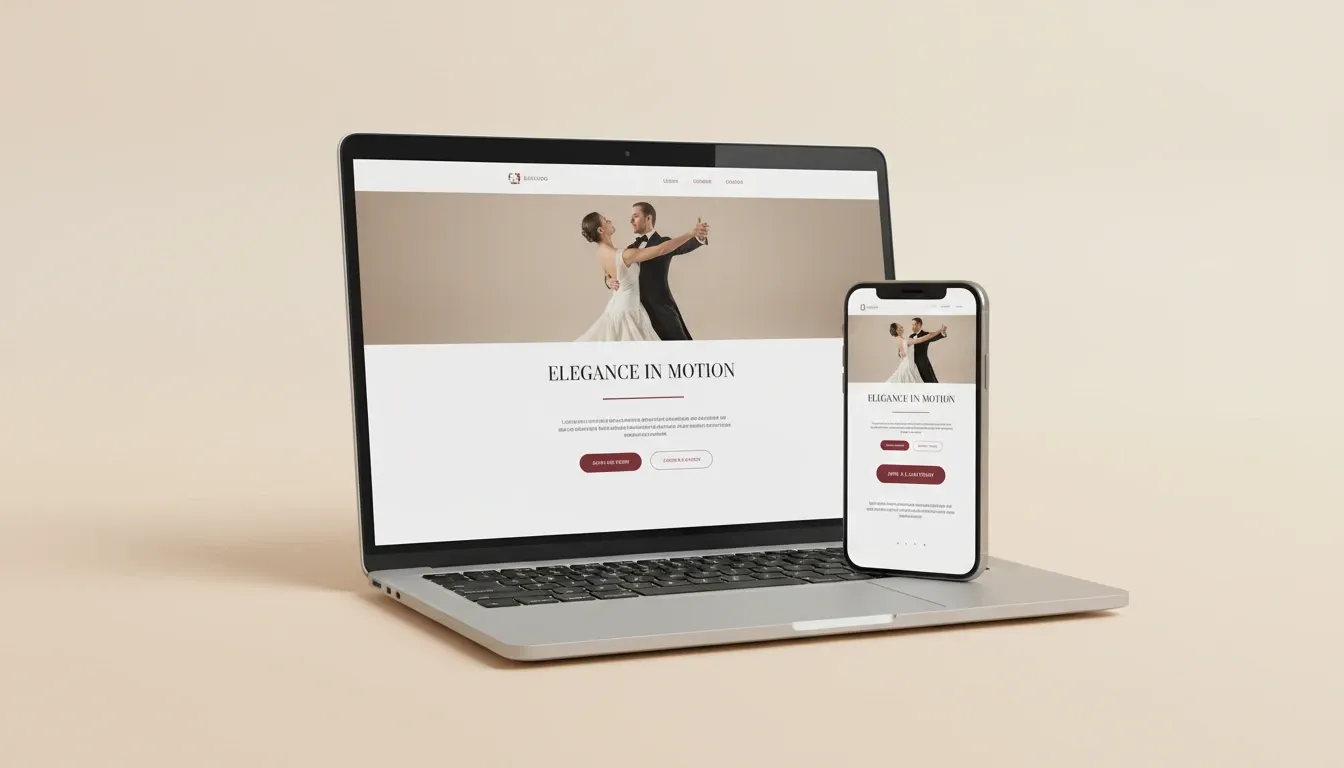
This one was for a local client here in Mandurah. Her old site was a very pink, fitness-dance-studio kind of vibe. She’s now pivoting to private one-on-one ballroom dance lessons, single clients or couples, in a studio setting. Different audience, different energy, different site.
What’s new about this brief is she sent it through as an AI-generated document. First time a client has done that with me. It was actually pretty good. It gave me enough to work with and kick things off properly.
Starting in Google Stitch, not VS Code
Before I touched any code, I went to Google Stitch and pasted the brief straight in. Stitch is Google’s design tool inside AI Studio, and right now I think it’s the one to beat. It spat out a homepage, a few internal pages, and gave me something to react to. Not amazing out of the gate, but a solid starting point.
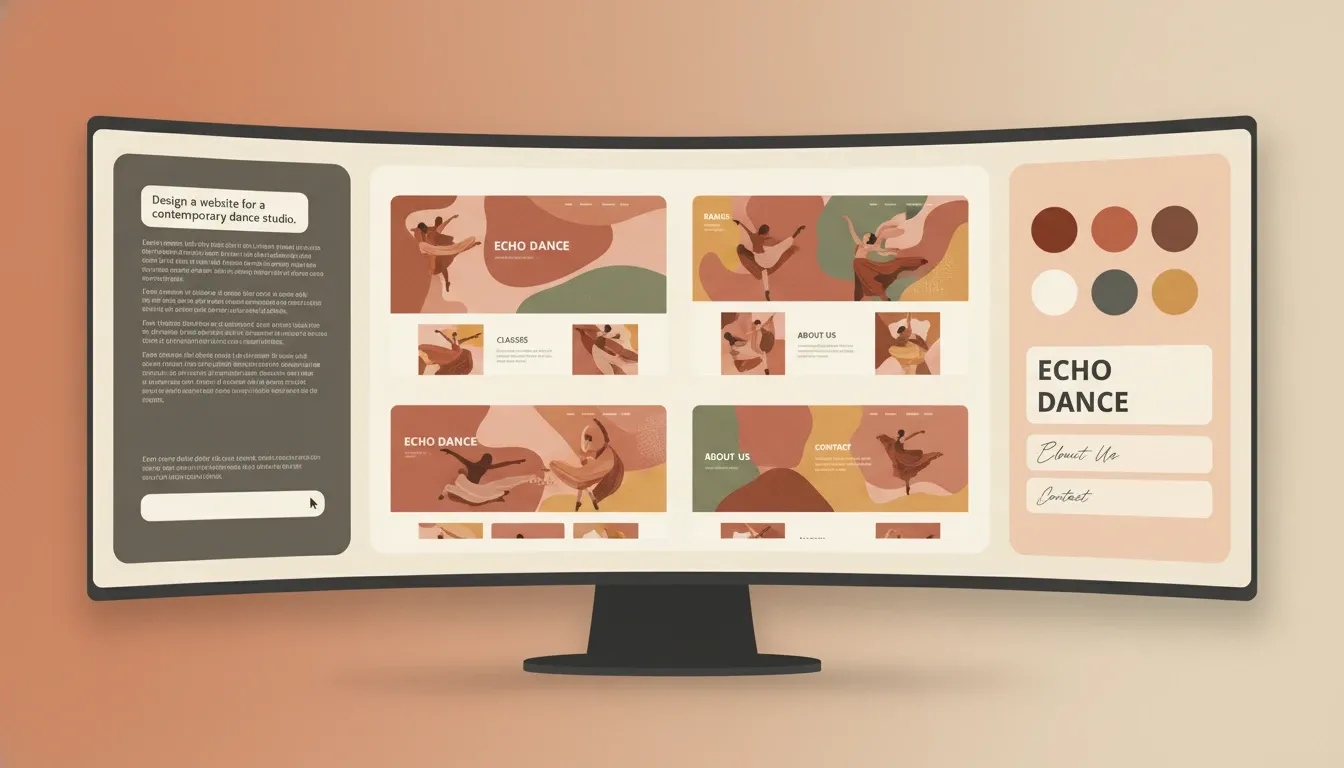
I also ran the brief through the new Claude Design tool at the same time, just to compare. Claude Design has a tweak slider that uses tokens, which I’m a bit mixed on. It feels like everything is being baked into one mega app, and I’m not sure that’s the right direction. Stitch feels more focused. You pick a page, adjust colours, change text, move things around, and iterate fast. That’s what I want from a design tool right now.
The real win with Stitch is the client can actually interact with it. They can open it on their phone, their iPad, their laptop, and click through the pages themselves. That’s completely different to sending a Figma file that most clients just don’t know how to read.
Moving from Stitch to VS Code with Claude Code
Once I was happy with the rough shape, I exported the Stitch files as a zip and opened up VS Code with Claude Code running. I’ve got a project file sitting in the parent folder that acts as my master template for how I build Astro sites — the same setup I used when I rebuilt a client landing page in Astro using Claude. Claude Code reads that first and follows the conventions.
Here’s a tip most people don’t know yet. If you’ve got a Claude skill file or a markdown instruction file in your project, you can ask Claude to update it as you go. When you’re working on something and you start heading down a road that needs the master template adjusted, just tell Claude to update the file. It’ll do it. That’s huge, because your setup keeps getting better every project instead of drifting.
One small thing that caught me out. I exported the Stitch zip to my downloads folder instead of the project folder. Claude Code knew I’d exported it, went hunting in the downloads folder, found an older Stitch export first, then searched for the right one. It asked permission before touching anything, which is exactly what I want. But if you’re running on auto-accept for everything, that’s the kind of thing that could get messy.
Filling in images with Nano Banana 2
AI images aren’t my first choice. If a client has professional photography, I use that. But when you need to get something in front of the client quickly while you wait on real photos, this is where we are now.
I’m using Nano Banana 2 through the API for image generation — wired into a small custom tool I built in Google AI Studio so I’m not copy-pasting prompts between tabs. You pay per image, which keeps you honest about how many tries you take. For the hero, I wrote a prompt for a dance teacher showing a student how to ballroom dance, picked a 3:4 aspect ratio, and got something usable in a couple of attempts.
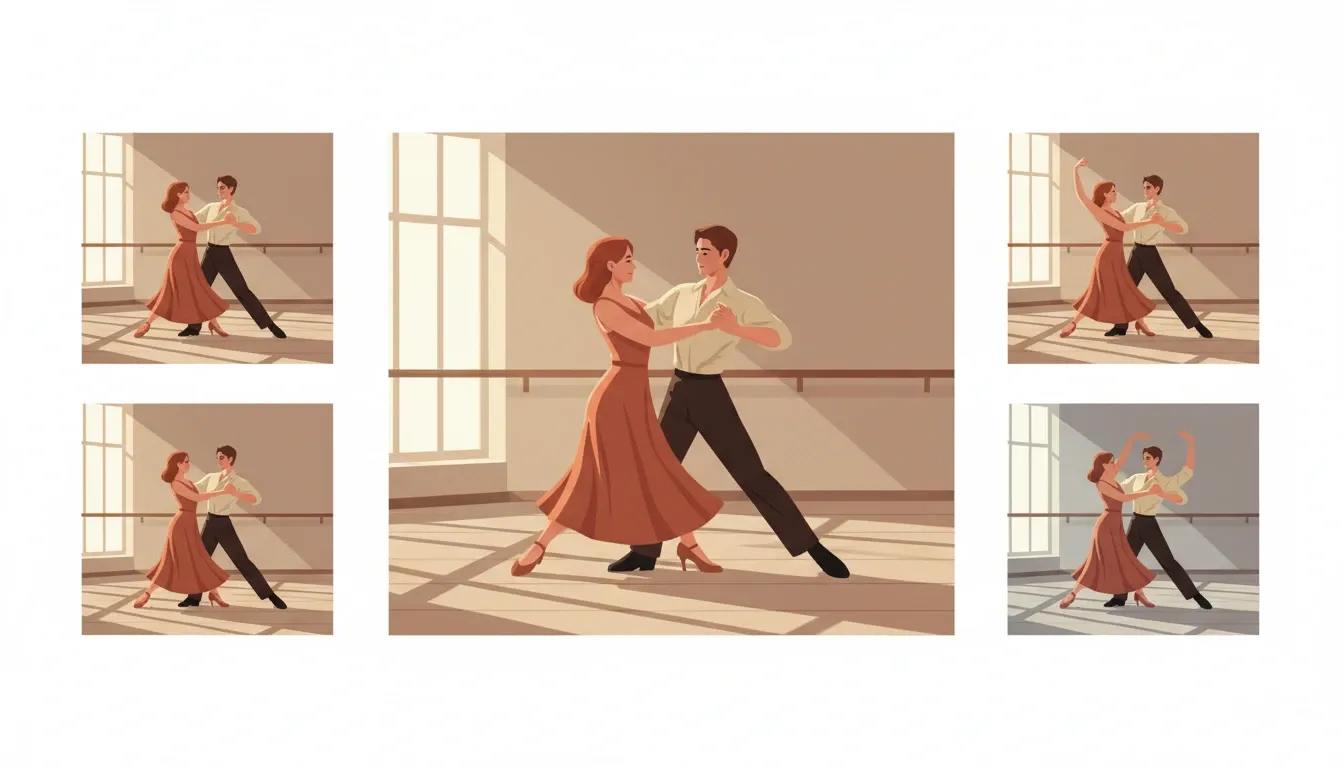
Some of them come out way off. That’s fine, it’s just the cost of the workflow. And the About page portrait took a few more goes. You’ll generate something that doesn’t look anything like a real person, try again, tweak the prompt, and eventually land on one that works as a placeholder until we get the real shoot done.
Why this matters for how I work now
A year ago, getting to the point where a client could actually click through their new site would have taken weeks of design iteration. Long Figma files. Multiple feedback rounds. Clients staring at static images trying to imagine how it would feel.
Now I can take a brief, run it through Stitch, hand the export to Claude Code, drop in some placeholder images, and have something real on a staging URL in an afternoon. That changes the whole shape of the project. Instead of spending the early budget on design rounds, I get to spend it on strategy, content, and the things that actually move the needle for the business.
Where this is all heading
I’ll be honest, I don’t know how long sites like this are going to matter in the way they do today. Once Google fully flips the AI mode switch, a lot of the fancy design stuff might not count for much. A site becomes a place to hold information that AI agents can read and pass along. That’s probably coming.
But that’s exactly why I want to be on a stack I control end to end. Astro on Cloudflare gives me a fast, clean, content-first foundation that I can adapt as things change. WordPress, Webflow, Squarespace, Wix, they’ll all still be around and they’ll work for plenty of people. For the way I want to work with business owners over the next 12 to 24 months, this setup gives me room to move.
If you’ve tried a similar workflow, or you’re thinking about moving off WordPress, I’d be keen to hear how you’re approaching it. And if you’re a Mandurah business owner staring at a WordPress site that’s more hassle than it’s worth, get in touch and we’ll have a chat about whether a move like this makes sense for you.