

Step One
Get in touch
Call me, send a message, or book a session online. Tell me what's going on and I'll get you booked in — often the same day.
I connect to your computer securely and fix your tech issues in real time — no need to unplug anything, drop it off, or wait days for a technician. Fast, affordable, and Australia-wide.



Remote support means faster fixes, lower costs, and zero disruption to your day.
Most sessions start within minutes. No waiting for a technician to drive out — I connect and start fixing straight away.
I use encrypted remote access tools. You can see everything I do on screen, and I disconnect the moment I am done.
Whether you're in Perth, Sydney, or regional Australia — I can help. All you need is an internet connection.
No call-out fees, no travel charges. Transparent pricing so you know exactly what you're paying before I start.
I explain what I'm doing and why. No jargon, no confusing tech speak — just clear, honest communication.
You can see every click and keystroke on your screen. Full transparency, full control — disconnect any time you like.
Here are some of the most common issues I fix remotely — fast and without fuss.
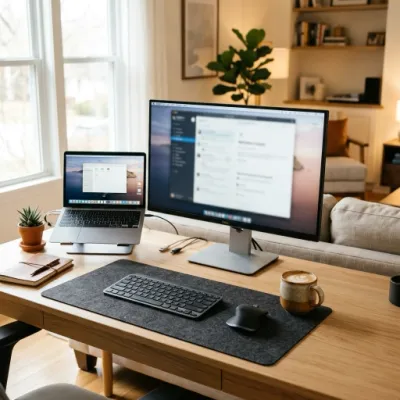
Internet, hardware, Microsoft 365, cloud storage, security — set up properly so it actually works
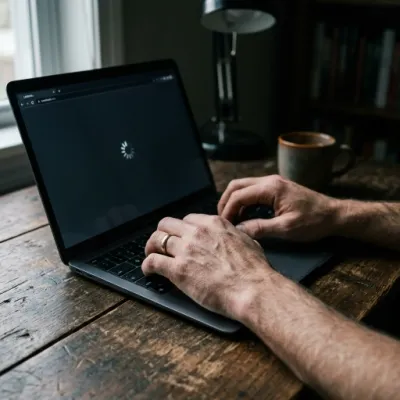
System grinding to a halt, taking ages to boot, or locking up mid-task
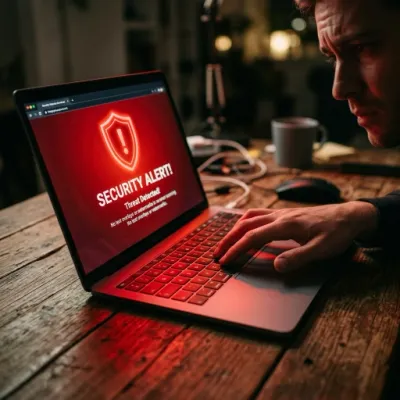
Pop-ups, suspicious programs, ransomware warnings, or unusual behaviour
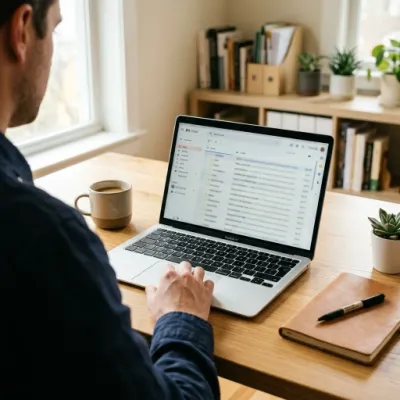
Can't send or receive, account setup, syncing across devices, or spam problems
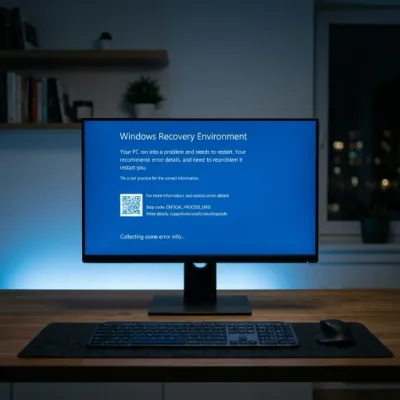
Programs crashing, not installing properly, or throwing error messages
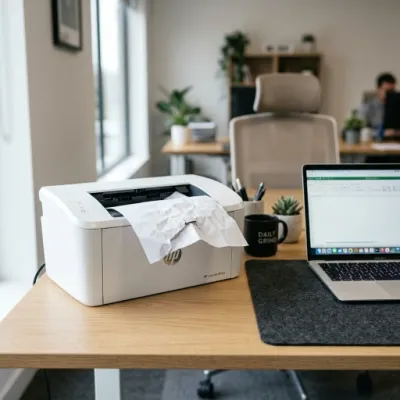
Won't print, offline errors, driver issues, or connecting a new printer
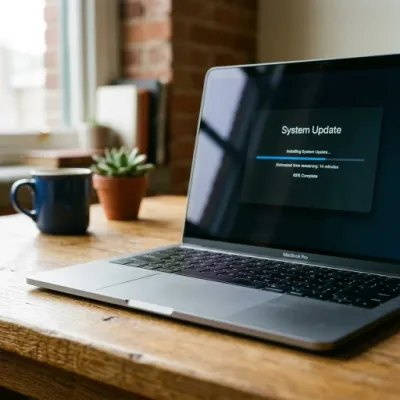
Stuck updates, failed installations, blue screens, or system restore issues

Constant redirects, unwanted toolbars, slow browsing, or homepage hijacks
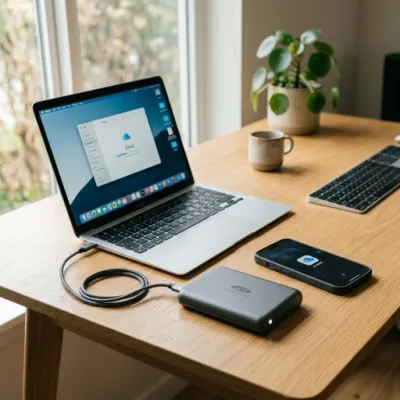
Setting up automatic backups, cloud storage, or recovering lost files

Forgotten passwords, locked accounts, two-factor issues, or recovery setup
Dropouts, slow speeds, can't connect, or network adapter problems
Step One
Call me, send a message, or book a session online. Tell me what's going on and I'll get you booked in — often the same day.
Step Two
I send you a simple link to click. That's it. I connect to your computer through an encrypted session and get to work while you watch.
Step Three
I fix the issue, explain what happened, and make sure everything's running smoothly. If it's not sorted, you don't pay till it's resolved.
Every remote support session comes with the lot — no hidden extras, no surprise invoices.
Absolutely. I use industry-standard encrypted tools for every session. You can see everything happening on your screen in real time, and the connection ends the moment I'm done. I never access your computer without your explicit permission.
Most software issues, including slow computers, virus removal, email problems, printer setup, software installation, Windows errors, data backup, and account configuration. If it turns out you need hands-on hardware work, I'll let you know upfront.
In most cases, I can start a remote session within 30 minutes of you reaching out. For scheduled bookings, I offer same-day appointments most days of the week.
Just a working internet connection and the device you need help with. I'll send you a simple link to click — no complicated software to install beforehand.
I offer transparent flat-rate pricing with no hidden fees. You'll always know the cost before we start. No call-out fees, no travel surcharges — just the fix.
If I can't resolve your issue remotely, you don't pay. Simple as that. If it requires on-site attention, I'll give you an honest quote for that instead.
I'm based in Mandurah, Western Australia, but our remote support reaches right across the country. Wherever you are, I can connect and get your tech sorted.
I provide remote tech support across the Peel Region. Find your area for locally tailored information.
Real feedback from real people we've helped with their tech.
Lee is an exceptional IT professional who goes above and beyond to ensure everything runs smoothly. Lee is knowledgeable, responsive and efficient. Highly recommended for anyone looking for dependable and skilled tech support.
Lee at Digital Den is fantastic! He is super fast to come to our offices to assist us when we call, and is very knowledgeable about everything from websites, macs & pcs, networking, printers, and everything in between! We would be lost without him!
I recently had some major file corruption issues with my PC. I engaged another computer "Technician" who fixed it temporarily. The same issue re-occurred a few weeks afterwards. The original technician was uncontactable. I was recommended Lee Stoka from Digital Den who I found to be very professional, explained what the issue was and how he intended to rectify it, in layman's terms, then did it. My rating gives you some idea of my opinion of his work and, as long as Lee is available, wouldn't dream of taking my devices elsewhere.